
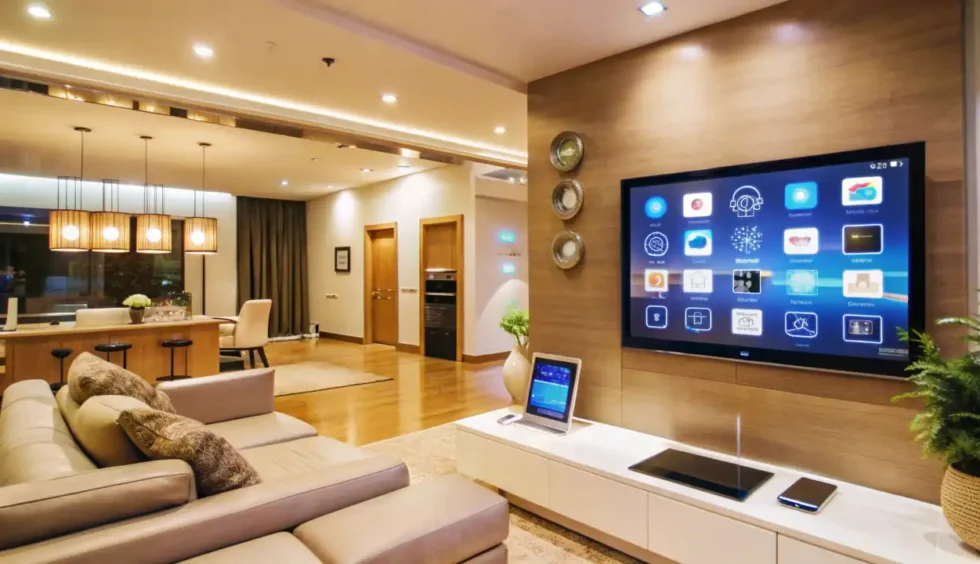
How to Create a Smart Lighting System for Your Home
Lighting plays a crucial role in setting the mood, enhancing security, and improving energy efficiency. A smart lighting system allows you to control your lights remotely, automate schedules, and even adjust brightness and color with a simple voice command. If you're new to home automation, setting up smart lighting is one of the easiest and most effective upgrades you can make. Here’s how to do it!
1. Choose the Right Smart Bulbs or Switches
Before diving into automation, decide whether you want to use smart bulbs or smart switches.
- Smart Bulbs: These WiFi or Bluetooth-enabled bulbs can be controlled via an app or voice assistant. Brands like Philips Hue, LIFX, and TP-Link offer excellent options.
- Smart Switches: Instead of replacing bulbs, smart switches let you control regular LED or CFL lights. They're a great choice if you want to retain existing fixtures while adding smart control.
2. Select a Compatible Smart Home Ecosystem
To make the most of your smart lighting, ensure your devices are compatible with your preferred smart home platform. The most popular options include:
- Amazon Alexa – Works well with most smart bulbs and switches.
- Google Home – Offers voice-controlled automation for a wide range of devices.
- Apple HomeKit – Ideal for iPhone users looking for seamless integration.
- Samsung SmartThings – A great hub for managing multiple smart devices.
3. Set Up Automation and Scenes
Smart lighting is more than just turning lights on and off remotely. You can automate routines to make your home more efficient.
- Wake-Up Routine: Gradually increase brightness in the morning to simulate sunrise.
- Night Mode: Dim lights automatically in the evening for a cozy ambiance.
- Away Mode: Schedule lights to turn on and off randomly to make it appear like someone is home.
- Motion Detection: Use smart sensors to turn lights on when movement is detected.
4. Control Your Lights with Voice Commands
Once your lights are set up, you can use simple voice commands for hands-free control. Examples include:
- “Alexa, turn off the bedroom lights.”
- “Hey Google, dim the living room lights to 50%.”
- “Siri, set the kitchen lights to warm white.”
5. Optimize for Energy Efficiency
One of the biggest benefits of smart lighting is energy savings. Here’s how to make the most of it:
- Use LED smart bulbs, which consume significantly less energy than traditional bulbs.
- Set up schedules so lights automatically turn off when not in use.
- Utilize motion sensors to reduce unnecessary energy consumption.
6. Expand Your Smart Lighting System
Once your basic setup is complete, you can expand your smart lighting system with additional features:
- Smart LED Strips: Add ambient lighting to shelves, TV backdrops, or under cabinets.
- Outdoor Smart Lights: Control your porch or garden lights remotely for added security.
- Sync with Music & Movies: Some smart bulbs allow dynamic lighting effects that sync with entertainment.
Final Thoughts
A smart lighting system is a game-changer for any modern home. Whether you’re looking for convenience, enhanced security, or energy efficiency, the right setup can transform your space with just a few taps or voice commands. Start small, experiment with different automation features, and gradually build your perfect smart lighting ecosystem!